Dataset
A Dataset is a set of metadata identifying a specific location within the associated Datasource.
Dataset Management
You can access the dataset management panel from the sidebar menu:
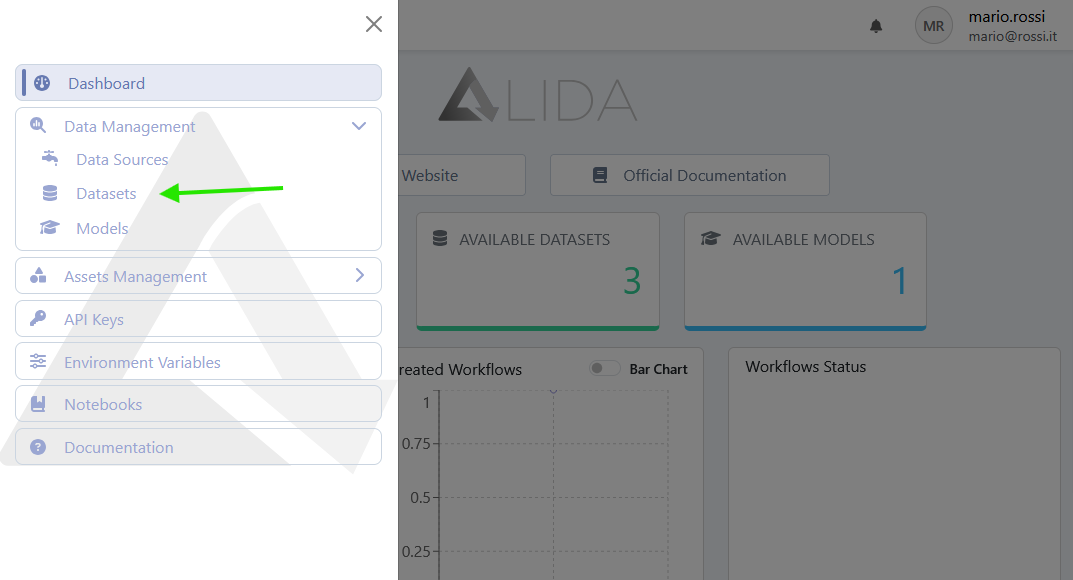
Viewing Datasets
Once the dataset management panel is opened, you will see the list of available datasets, specifically those that are:
- Public
- <username-bucket>: Belonging to the Teams you are part of
-
<team-name>: Your private datasets
-
<username-bucket>: privata per l'utente autenticato
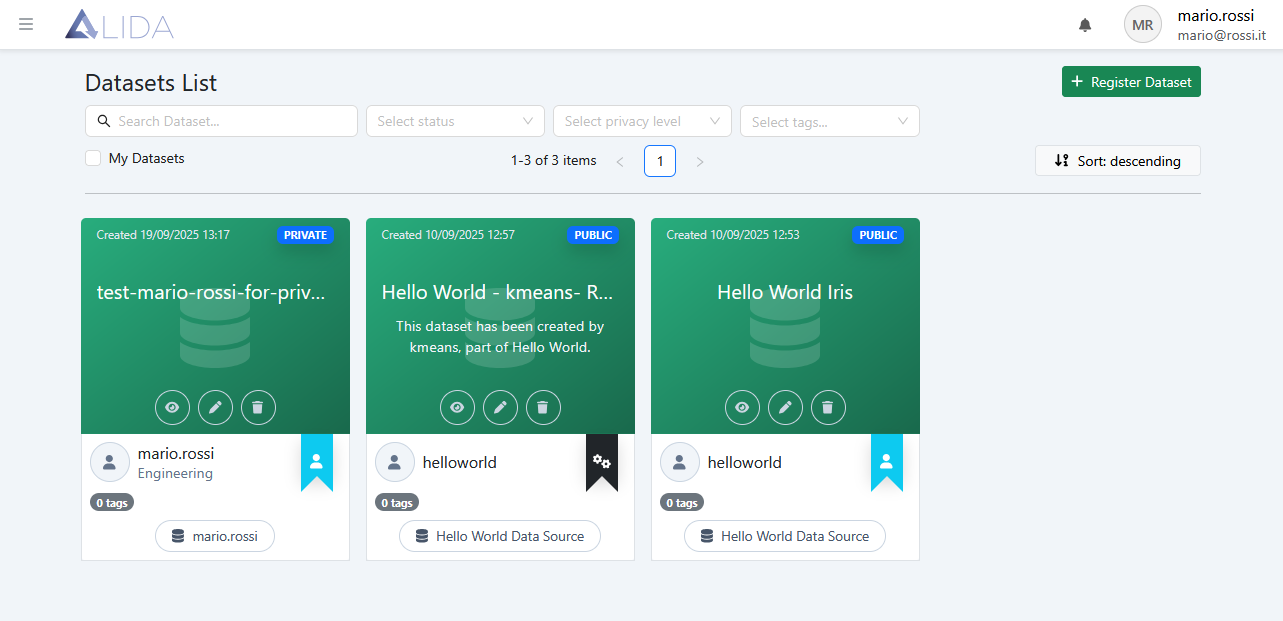
For each dataset, you can:
| Function | Button |
|---|---|
| Preview the dataset |  |
| Access the edit form |  |
| Delete it |  |
| View details by clicking on the corresponding card | (card) |
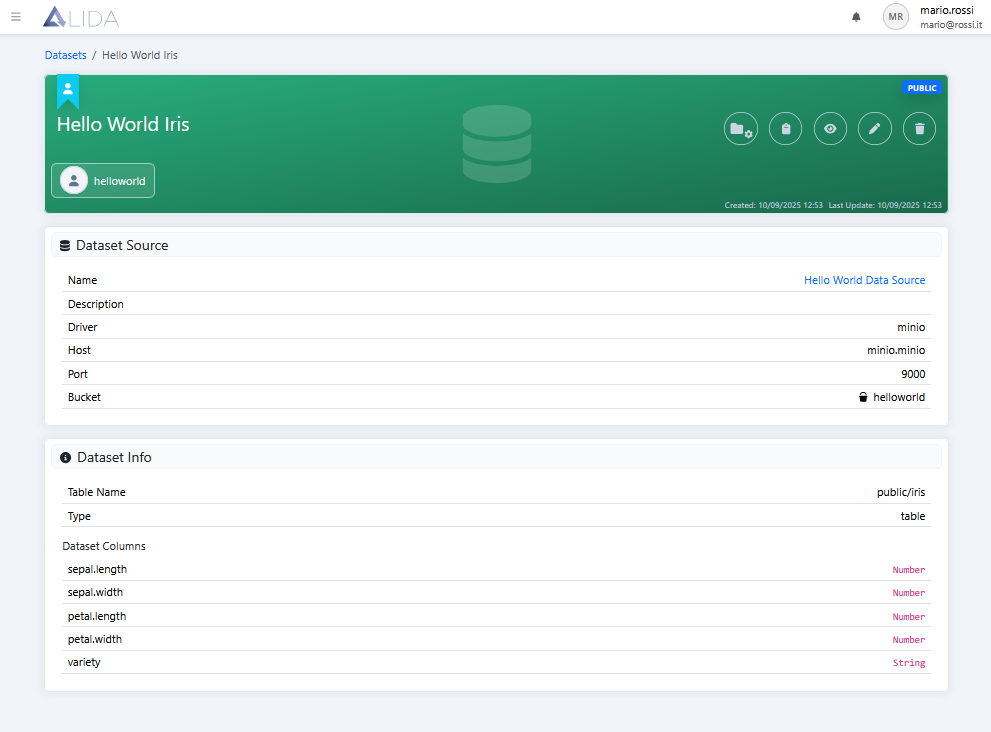
From the detail page, in addition to viewing information about the dataset and its associated datasource, you can add the dataset to a Project using the button 
Dataset Registration / Modification
See the Dataset Upload section of the quickstart guide.