Redis Variable Management
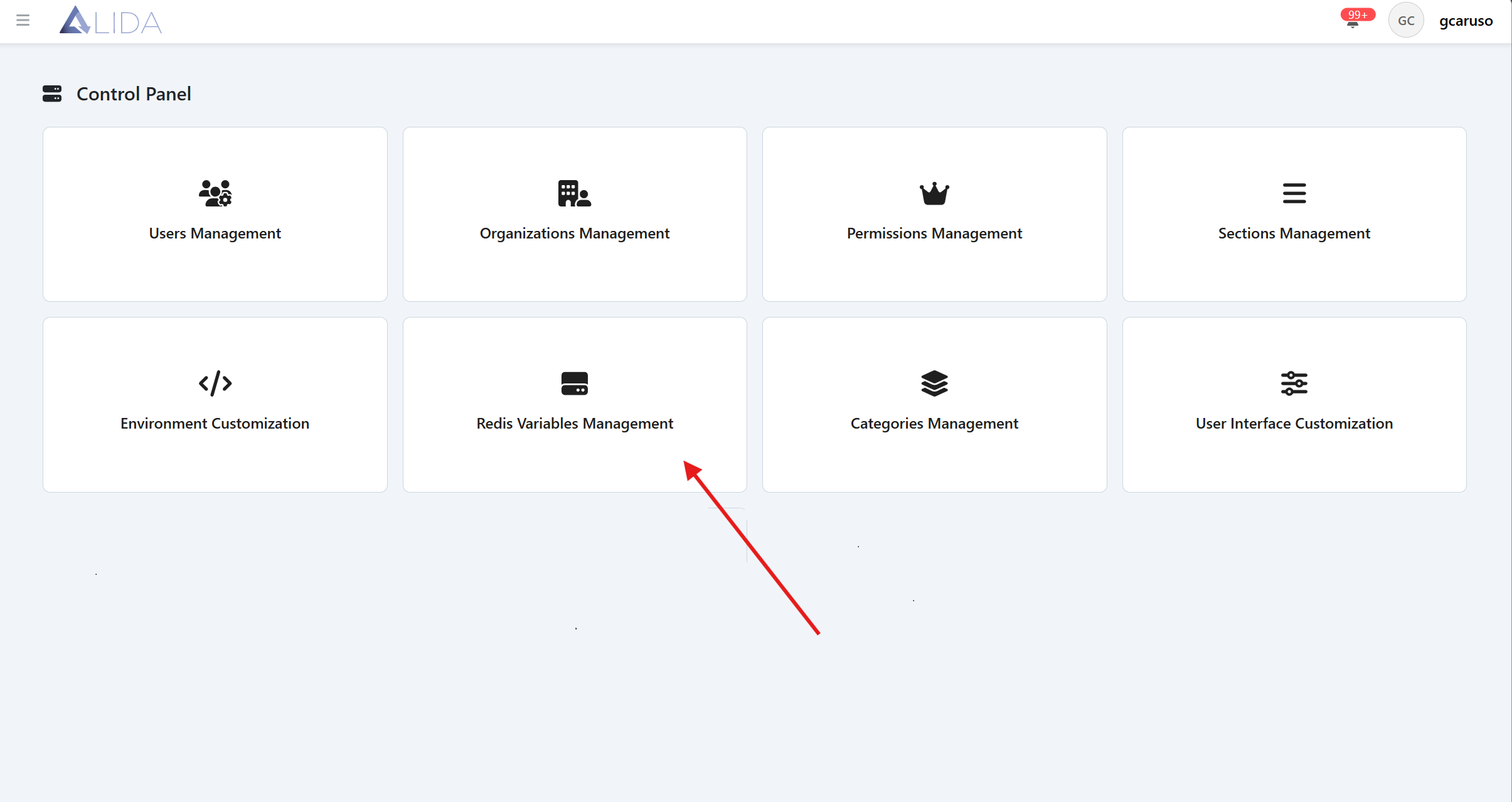
You can access the Redis variables management panel from the control panel page:
Viewing Redis variables
Once the variable management panel is open, you will see the list of Redis variables in a table format
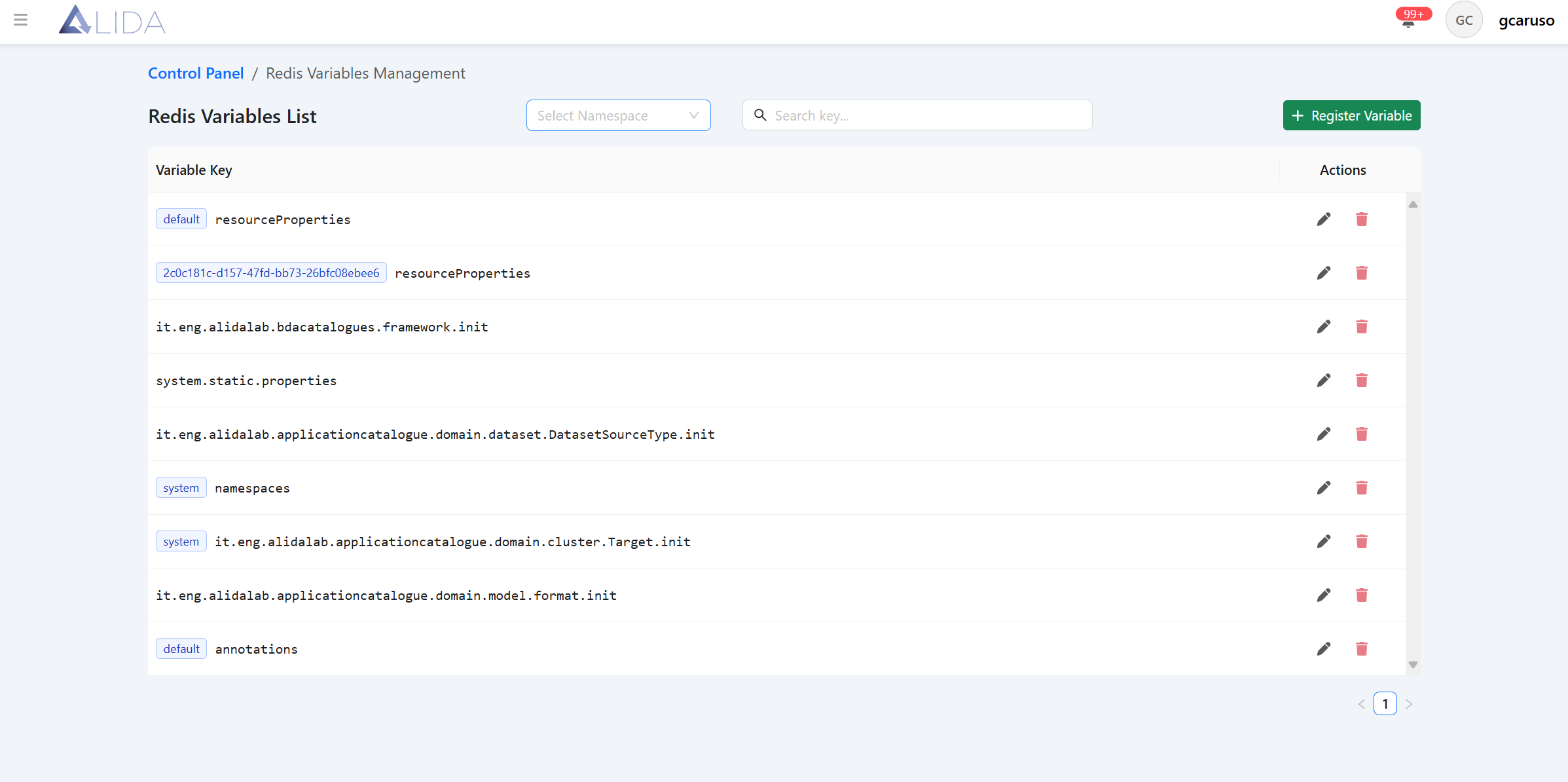
For each variable you will be able to:
| Function | Button |
|---|---|
| Access the edit form |  |
| Delete |  |
Redis Variable Creation/Modification
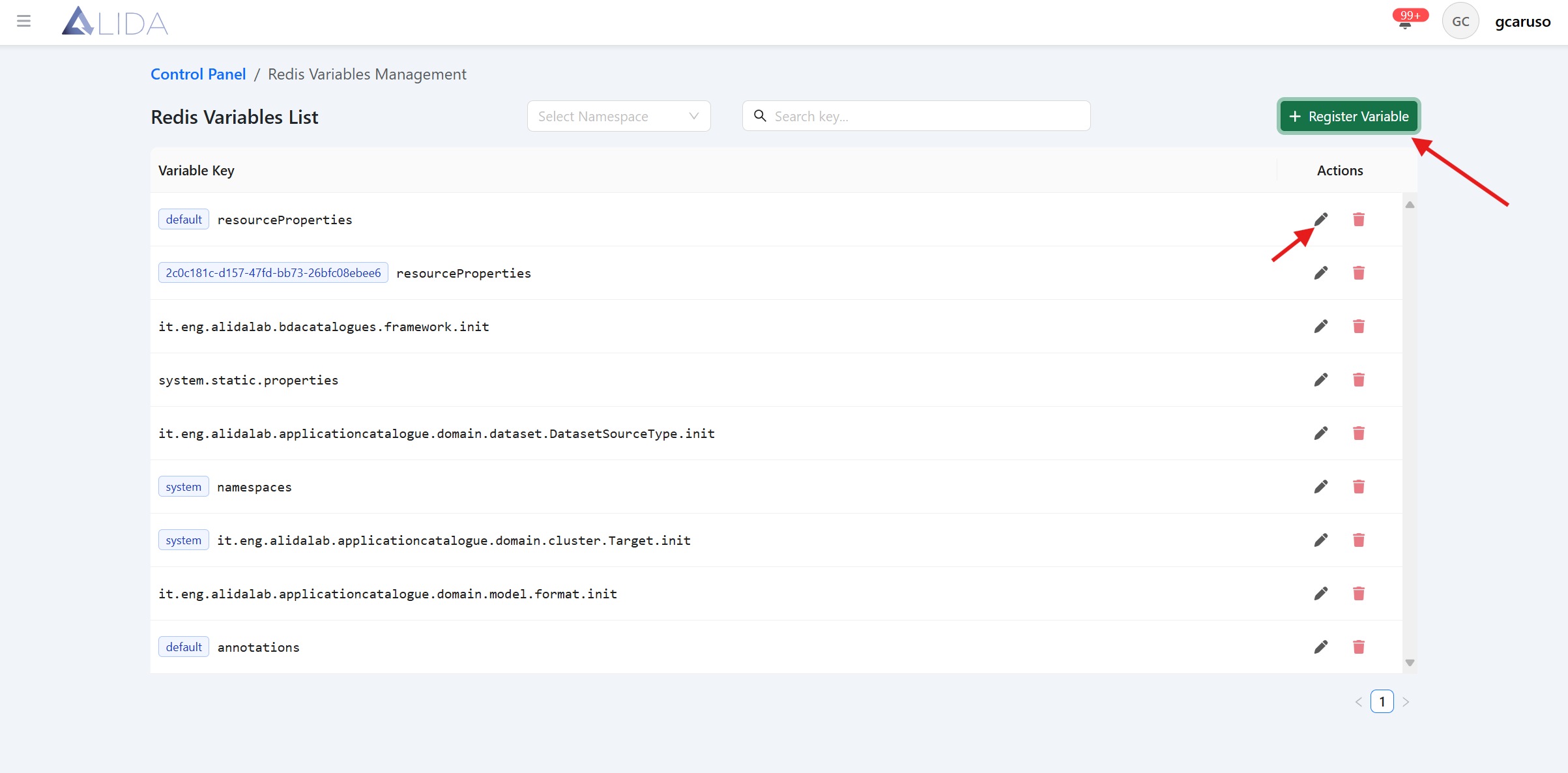
From the Redis variable management page, by clicking the "Register Variable" button, or by clicking the edit icon in the variable table record, the create/edit form for a Redis variable will opens:
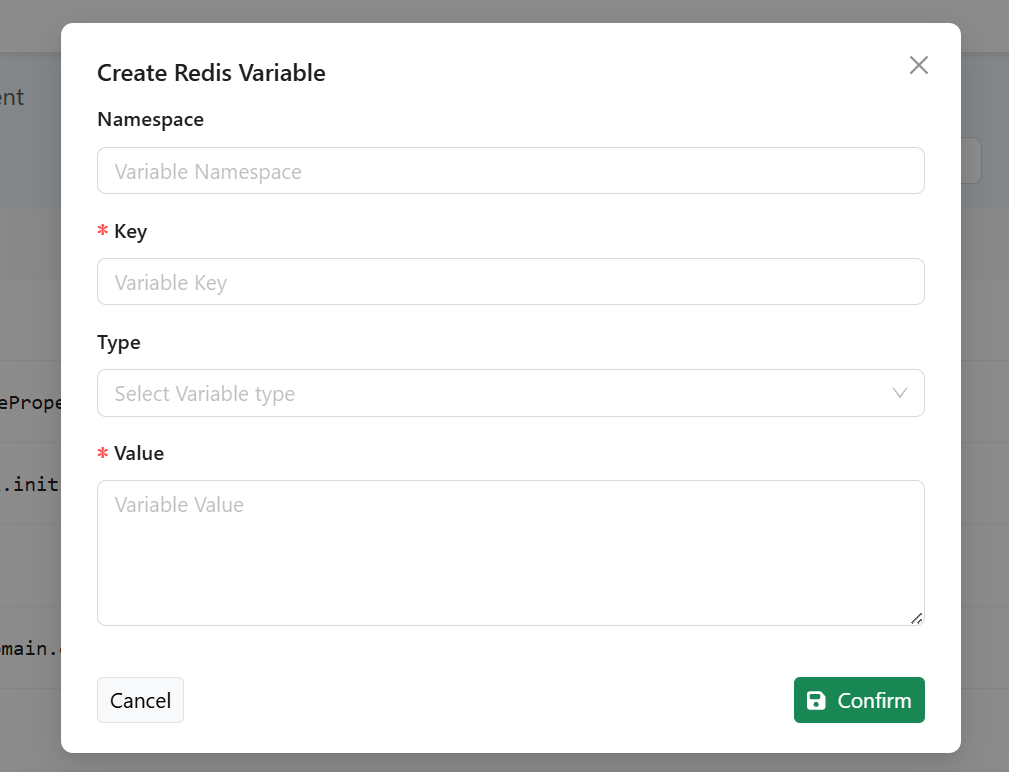
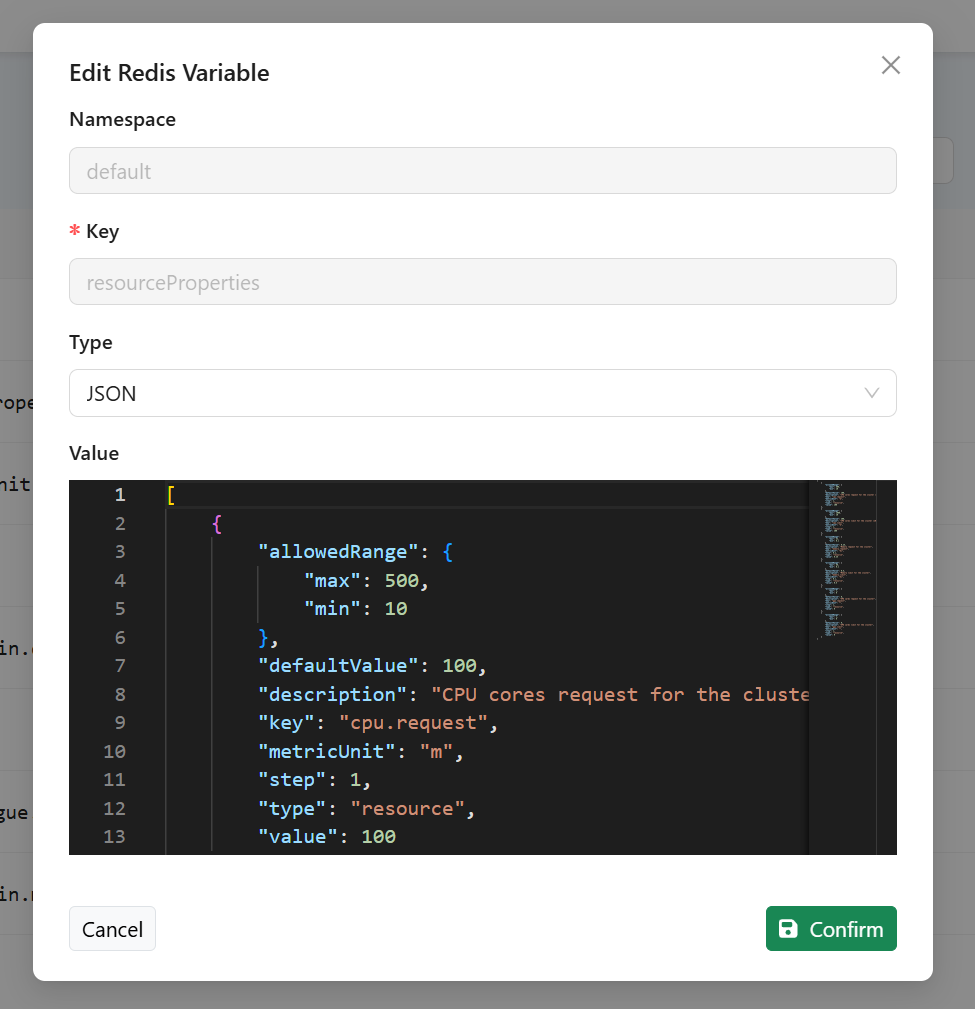
Specific Variables
Definition of Namespaces
The administrator has the ability to define a list of Kubernetes namespaces that can then be selected by the Data Scientist on the UI side to determine where the Workflows will be executed.
By default, this list contains the alida namespace, which identifies the set of standard nodes in the Data Analytica System cluster dedicated to executing Workflows.
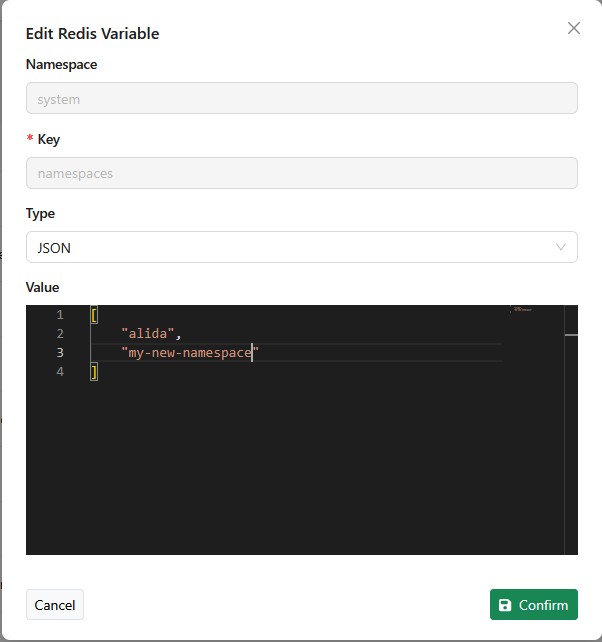
The administrator, after defining the additional namespaces at the system level, will be able to register them from the control panel by modifying the value of the Redis variable namespaces.
Once the variable editing panel is open, you can specifically add the namespace names to the JSON array. As shown in the figure: