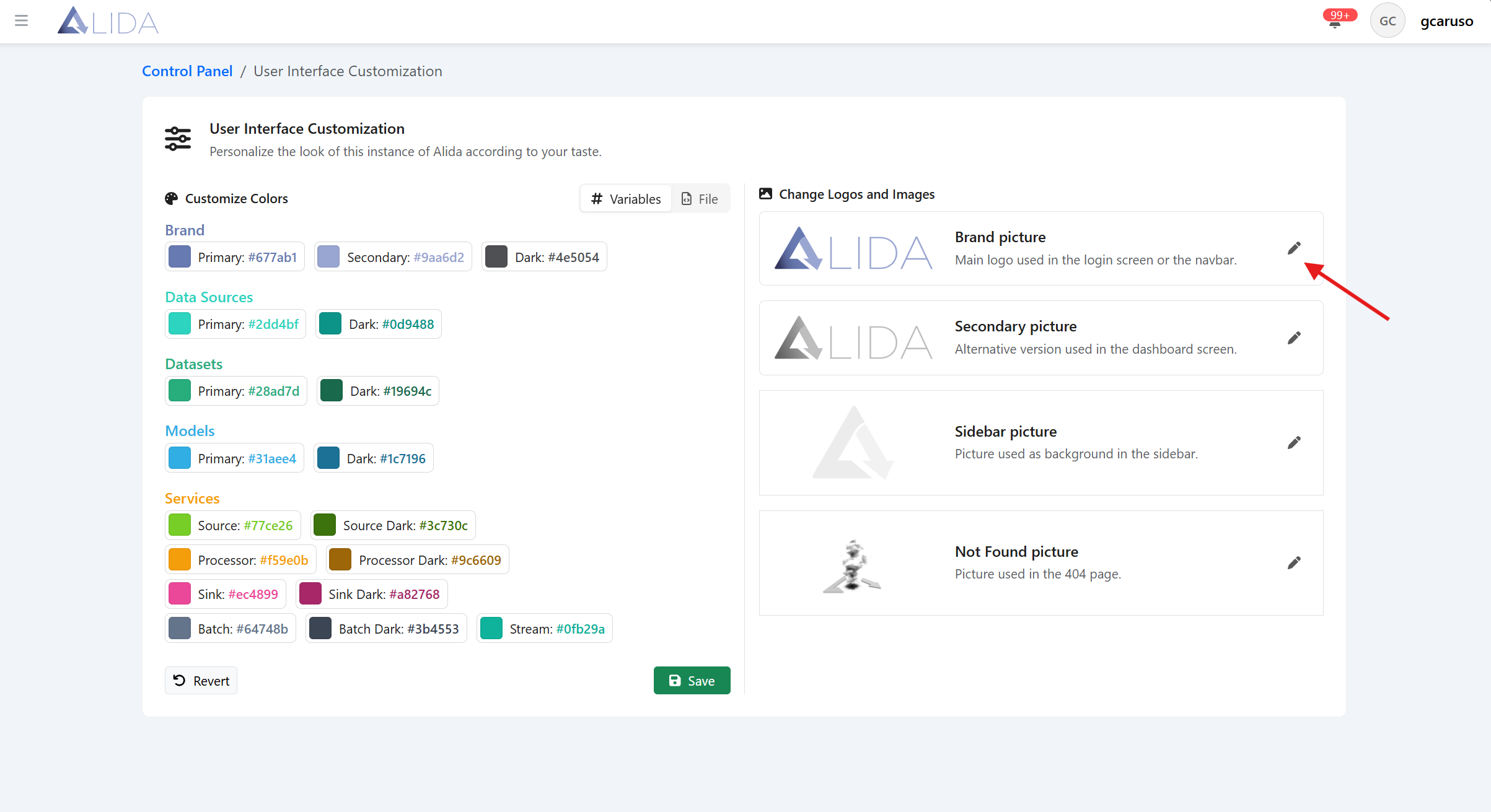
Style and Logos
You can access the UI customization panel from the control panel page:
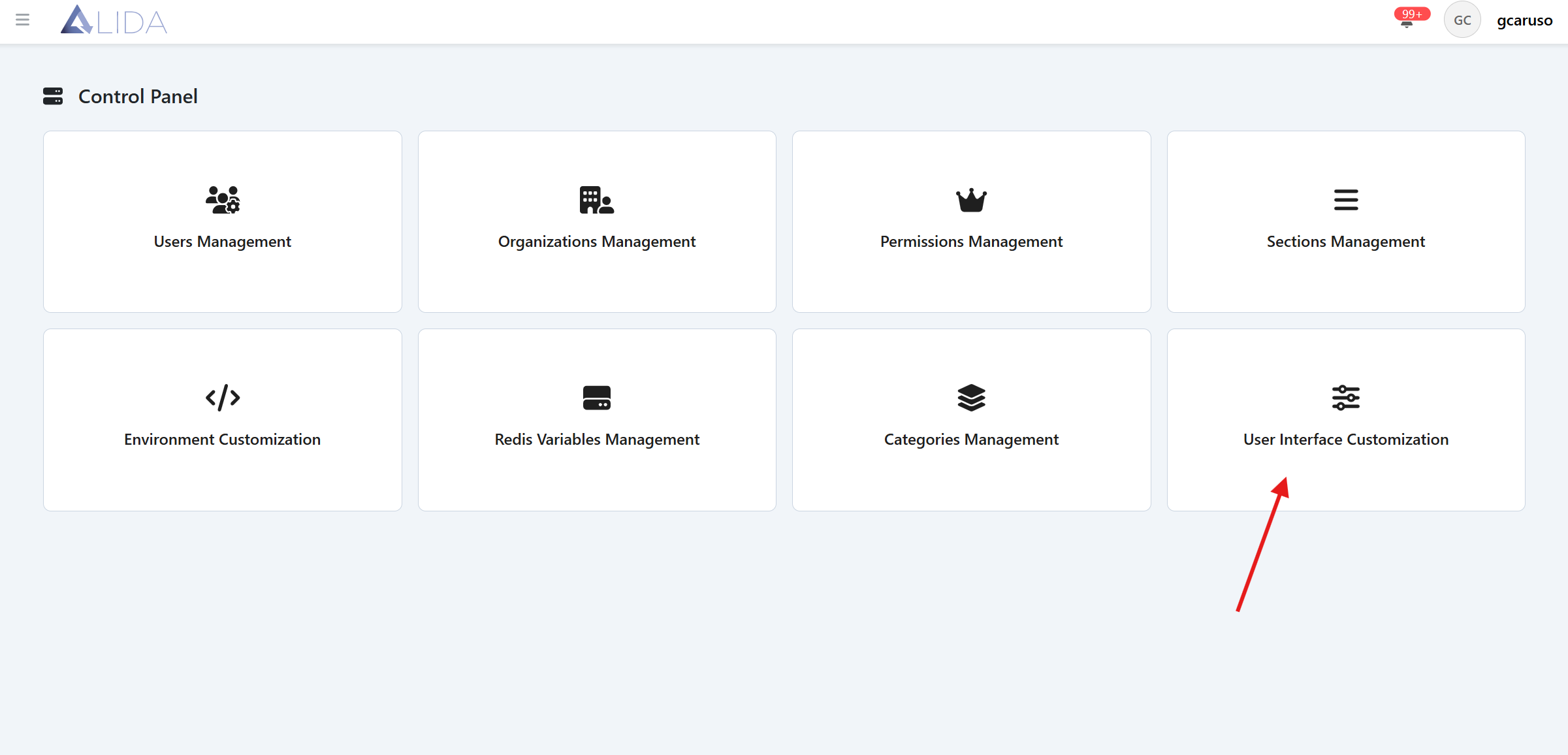
UI preferences display
Once you open the UI customization panel, you will see the currently used color settings, as well as the logos and images that are set
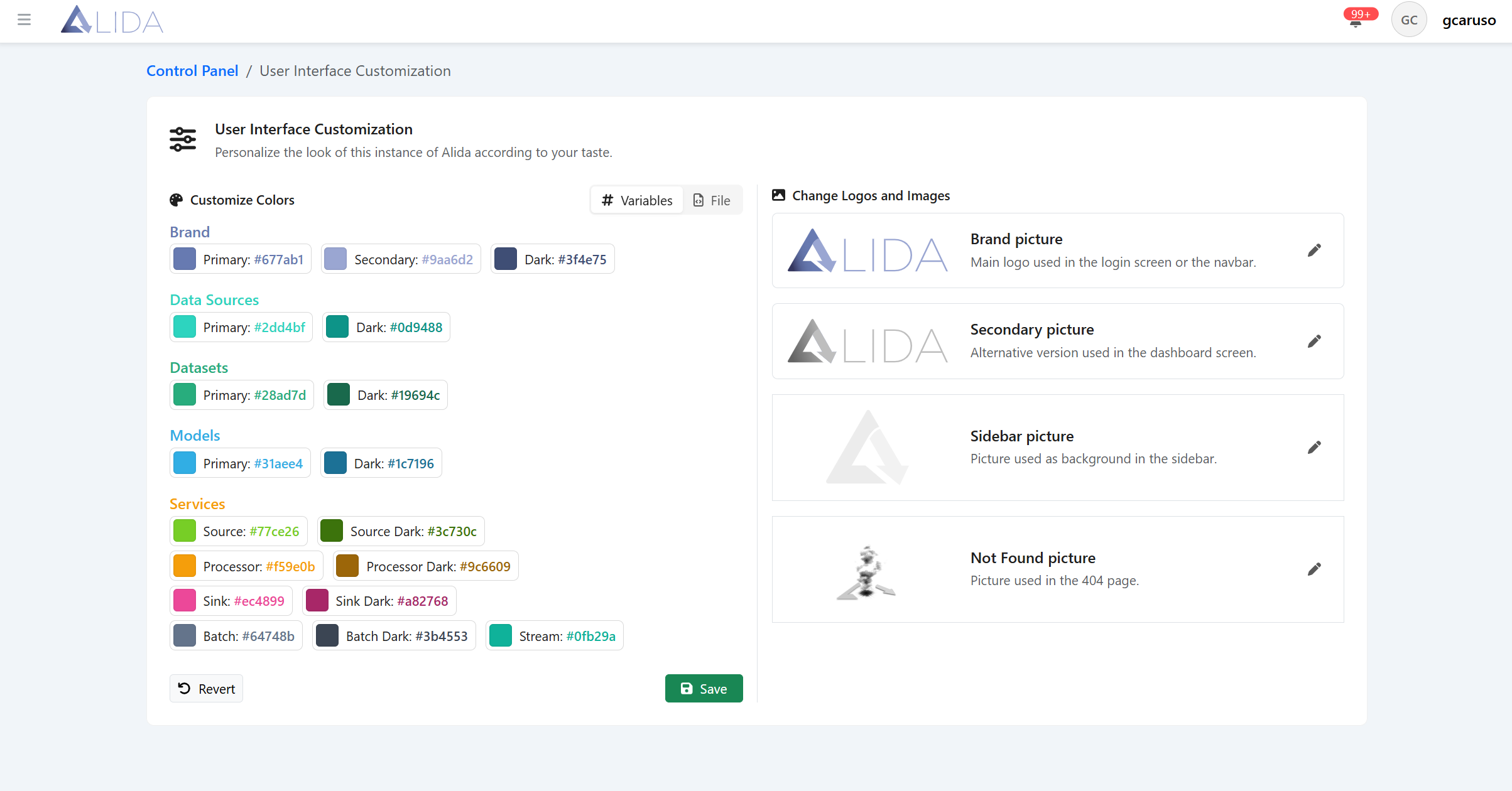
Change colors
To change the platform's default colors, you will need to click on the 'File' tab and modify the CSS with the colors you need:
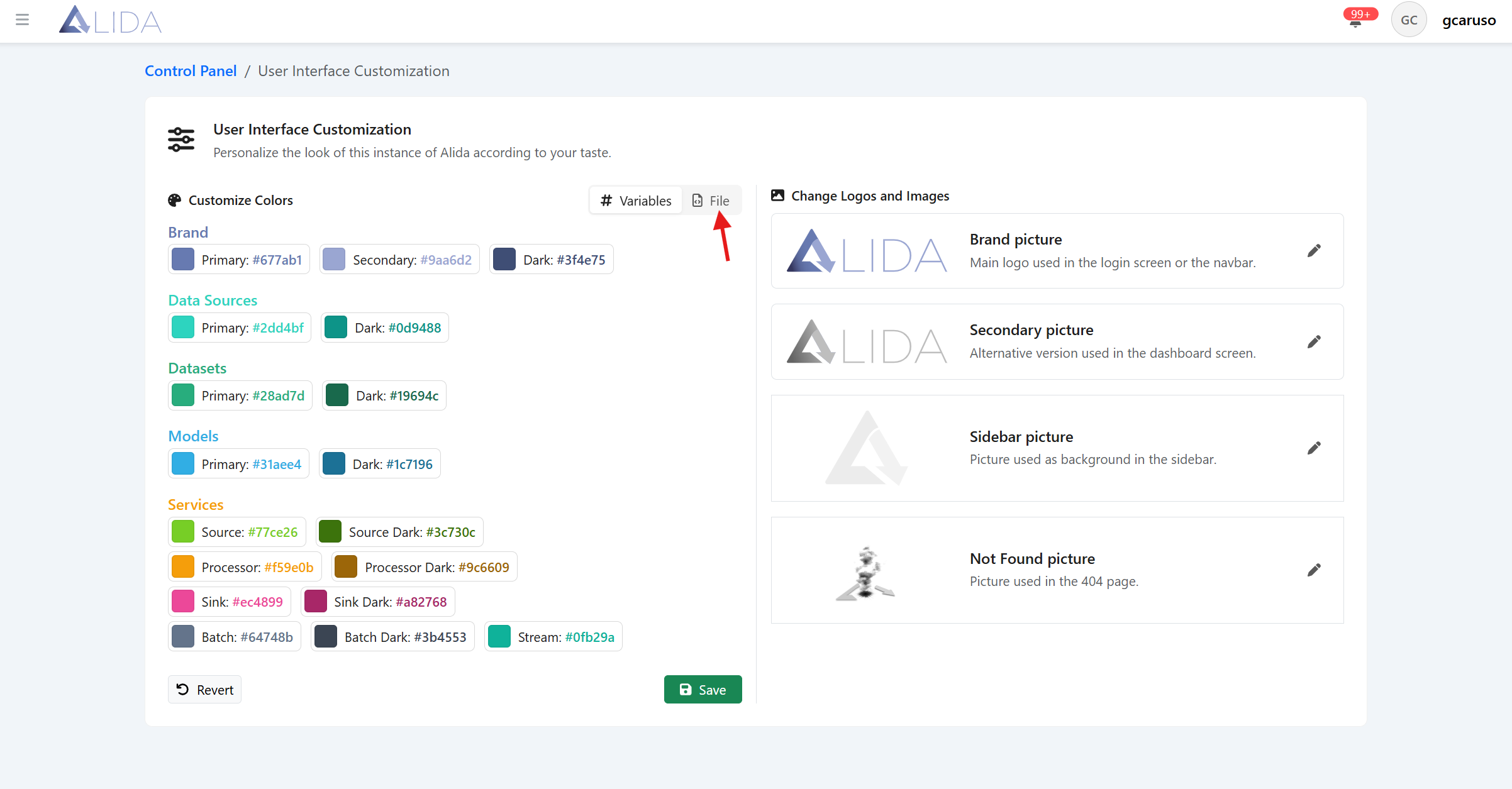
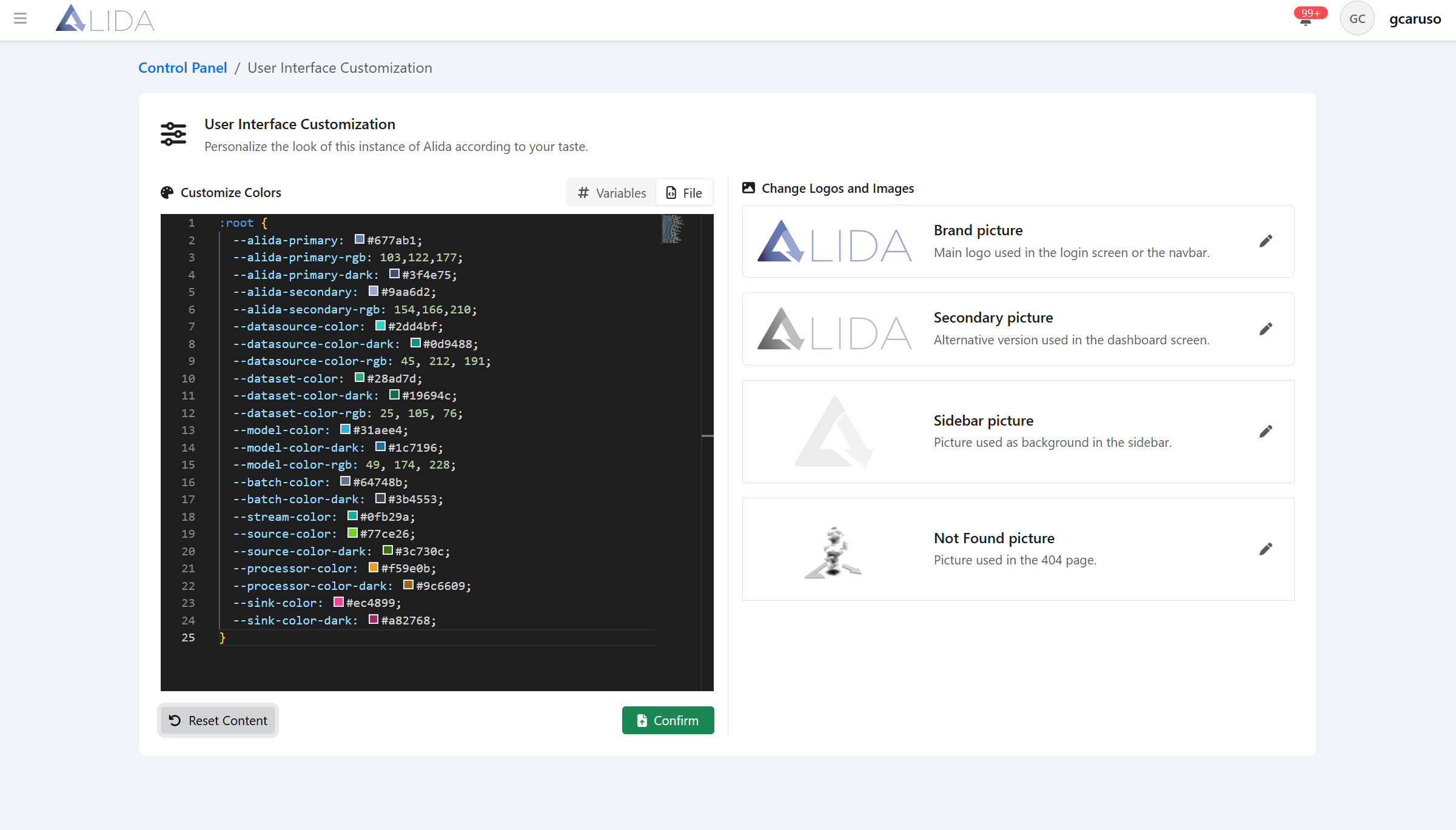
To make the changes effective, you will need to click the 'Confirm' button
Edit Logos and Images
To modify the logos and images, you will need to click on the edit button present on the card of the logo or image you want to modify, among Brand Picture, Secondary Picture, Sidebar Picture, and Not Found Picture, and upload the file with the image you intend to use, in SVG format