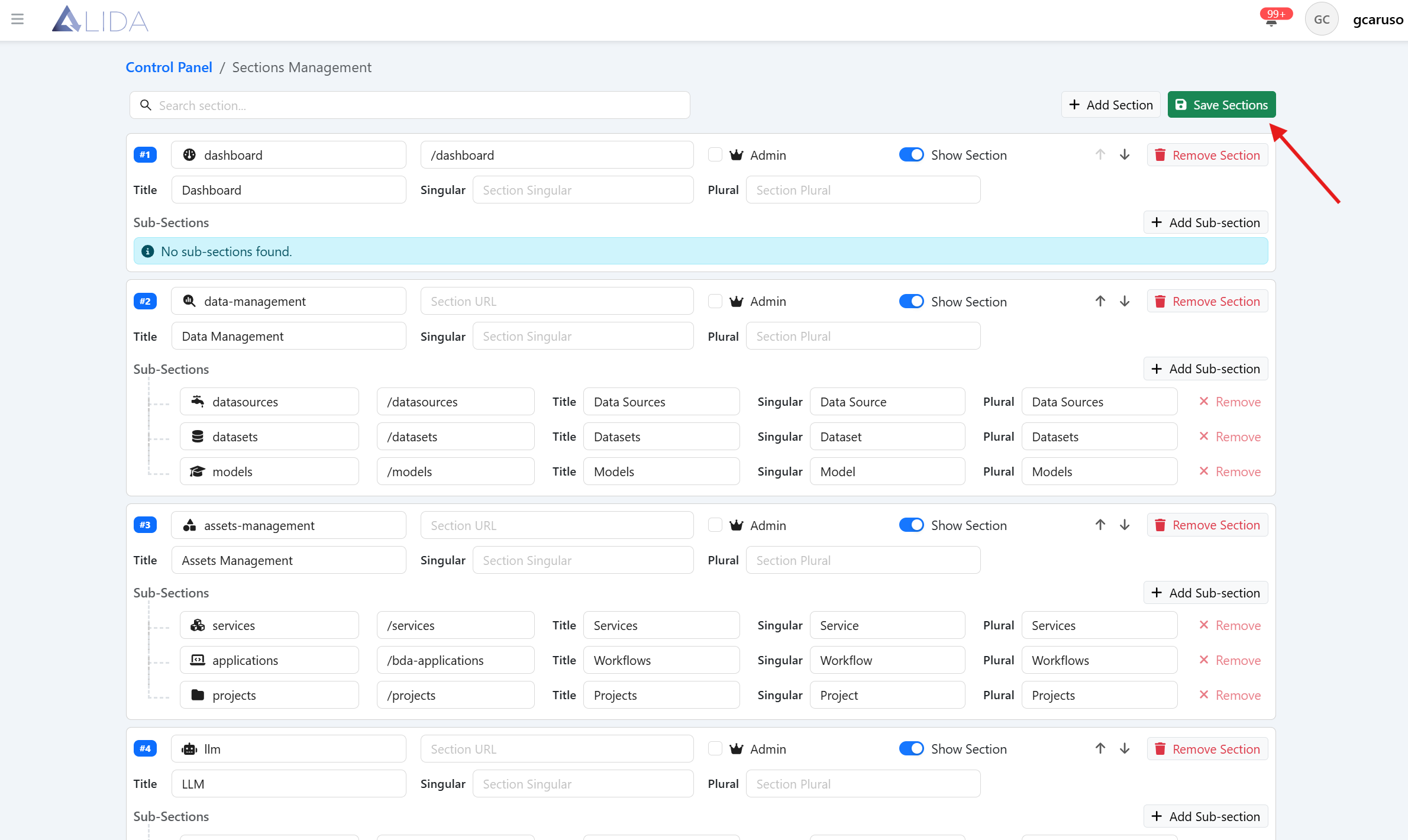
Section management
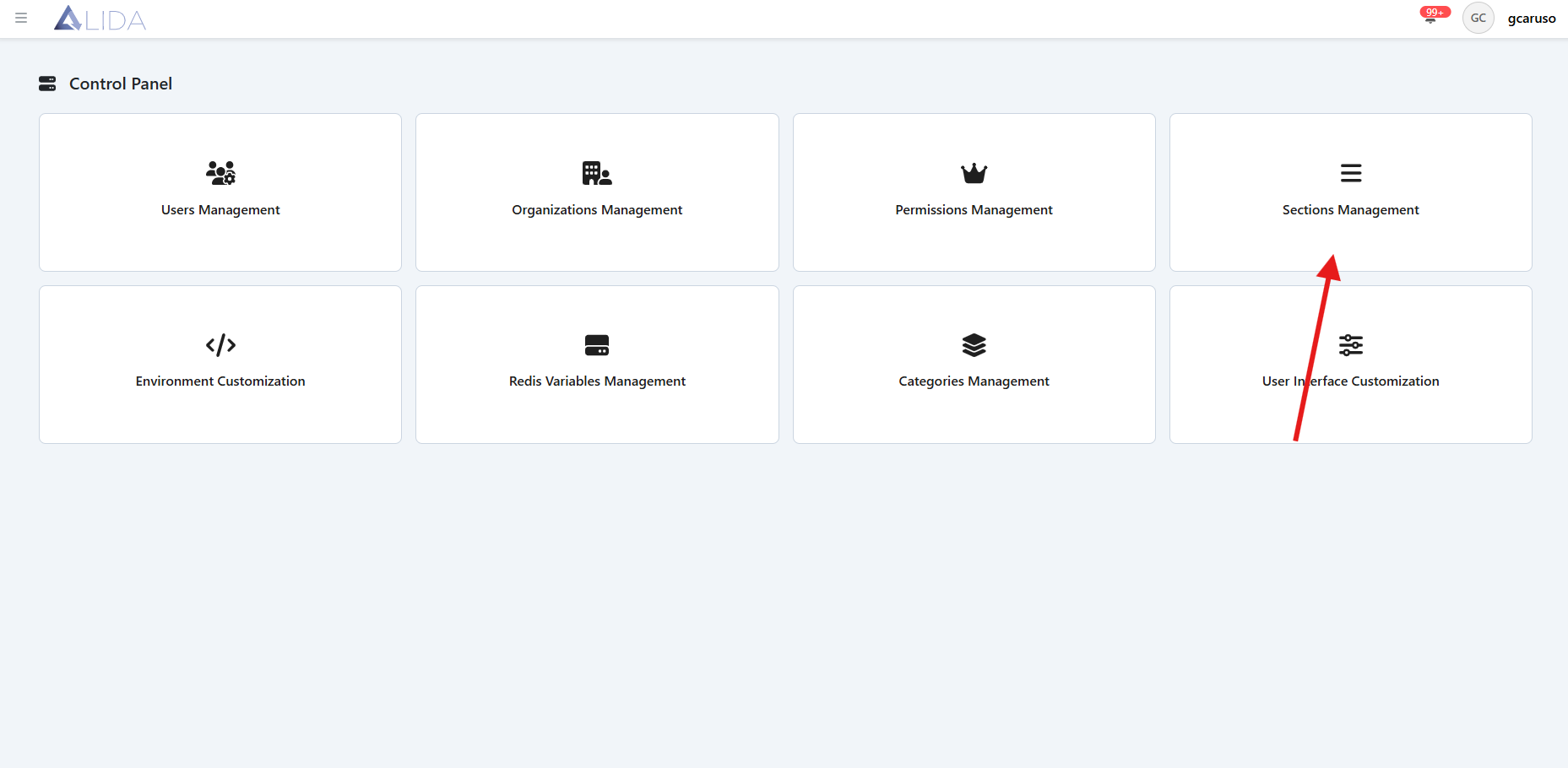
You can access the sections management panel from the control panel page:
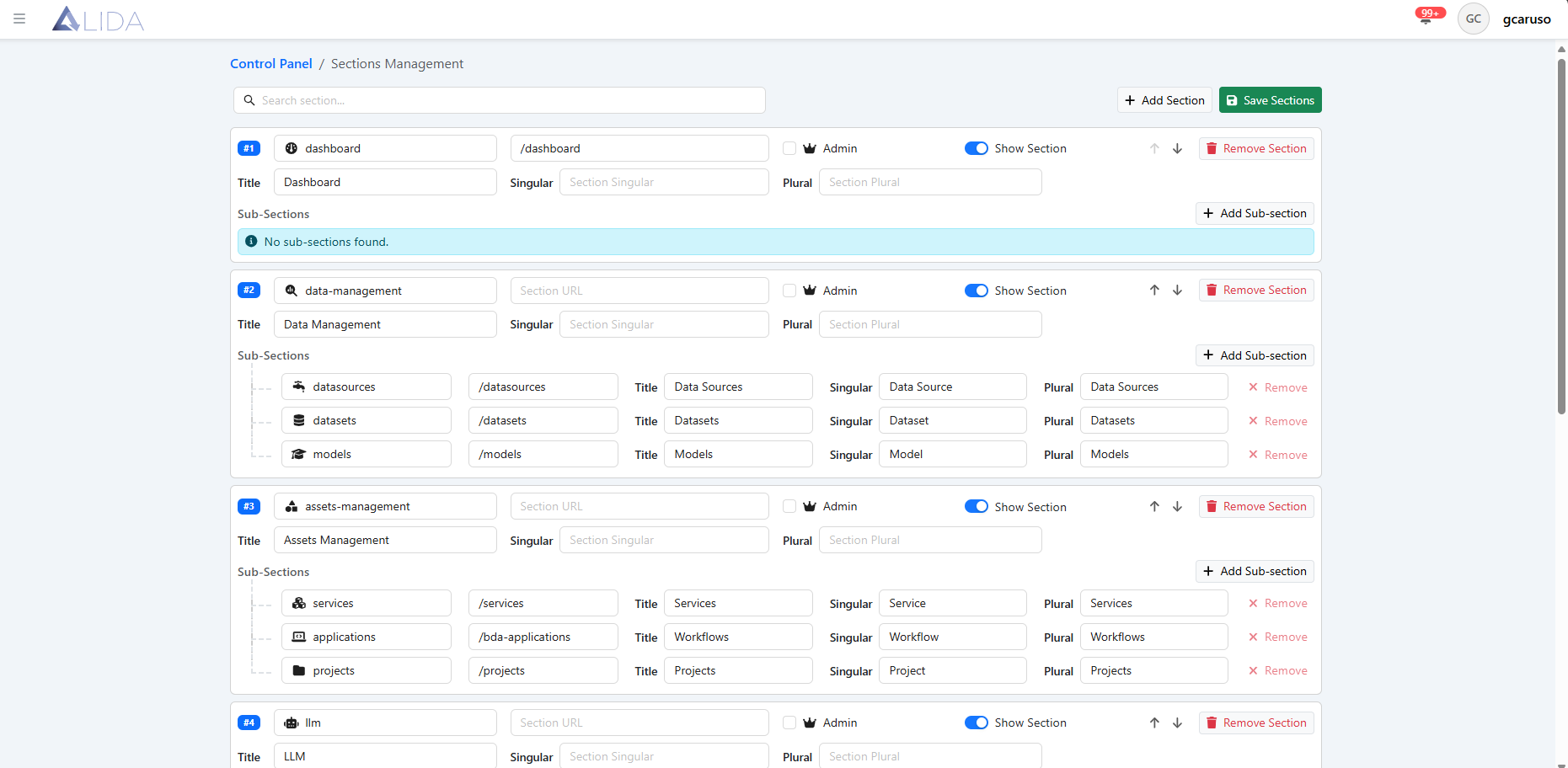
Section view
Once you open the section management panel, you will see the list of registered sections and subsections that can be viewed on the platform
Section registration
From the sections management page, by clicking the 'Add Section' button, a new item will appear among the available sections, where you will need to fill in all the information related to the section

For each section, you will be able to:
| Function | Button |
|---|---|
| Edit | |
| Delete |  |
| Add one or more sub-sections |  |
| Move it up or down in the list |  |
To make the changes effective, you will need to click the 'Save Sections' button on the page